Best NAS for photo backup in the UK, 2026
If your phone keeps telling you that iCloud or Google storage is full, a NAS is the way off the monthly bill. Your photos and videos back up to a box in your house instead.
You don’t need a powerful box for this. You need enough space, two drives so one can fail, and an app the whole family will actually use.
Best-seller ranks checked on Amazon UK on 11 Nov 2026. Specs are the makers’ own.
Amazon buttons are ads. As an Amazon Associate I earn from qualifying purchases. Boxes are not ranked by commission. How this site makes money
Best for most families
UGREEN DH2300
No.1 best seller in NAS on Amazon UK when we checked on 11 Nov 2026
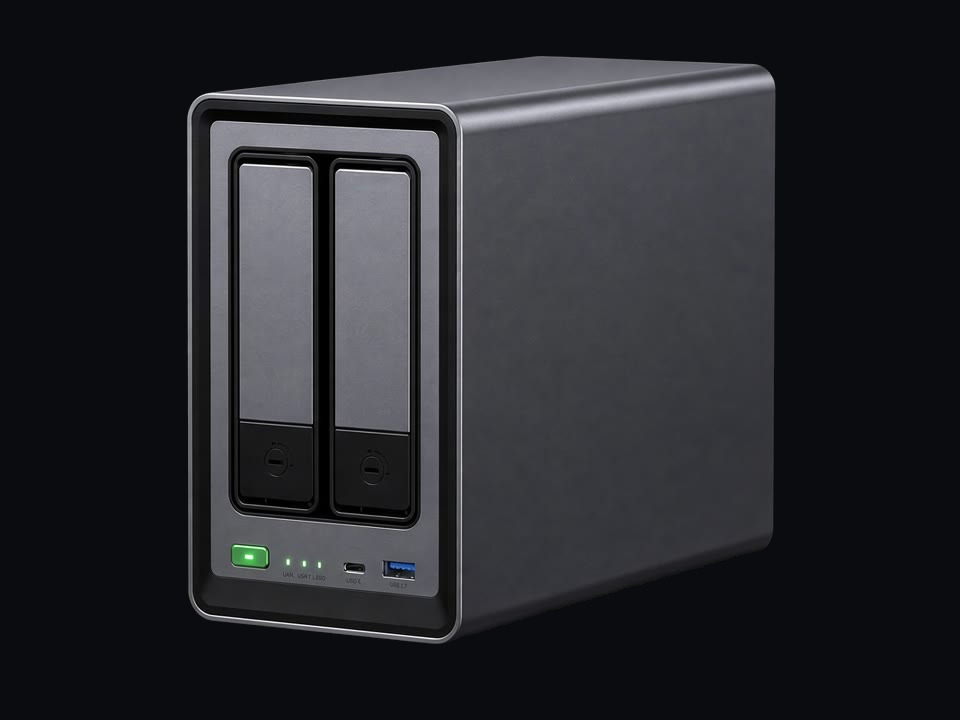
The first NAS most homes should buy: two bays for phone, photo and file backup, run from UGREEN’s app on iPhone, Android, Windows or Mac.
Good for
- A first NAS for phones, photos and files
- Getting off a monthly cloud storage bill
- A shelf or a cupboard: two bays and one network cable
Think twice
- One 1GbE network port, which limits how fast big files copy
- 4 GB of memory, fixed: it can’t be upgraded later
- Two bays give you one drive’s worth of protected space
- Bays
- 2
- Processor
- Rockchip RK3576 · 8-core
- Memory
- 4 GB
- Network
- 1 ×
- Drives
- 2 × 3.5″ / 2.5″
- Software
Best if you want Synology Photos
Synology DS223j
No.4 best seller in NAS on Amazon UK when we checked on 11 Nov 2026
Synology’s entry two-bay. You are buying DSM: Synology has been making home NAS software for far longer than UGREEN, and it shows.
Good for
- People who want Synology’s software and phone apps
- Files, photos and backups for one household
Think twice
- 1 GB of memory: keep it to the basics
- One 1GbE network port
- Check who the seller is on the Amazon page before you buy
- Bays
- 2
- Processor
- Realtek RTD1619B · 4-core 1.7 GHz
- Memory
- 1 GB
- Network
- 1 ×
- Drives
- 2 × 3.5″ / 2.5″
- Software
Best for big libraries and lots of video
UGREEN DH4300 Plus
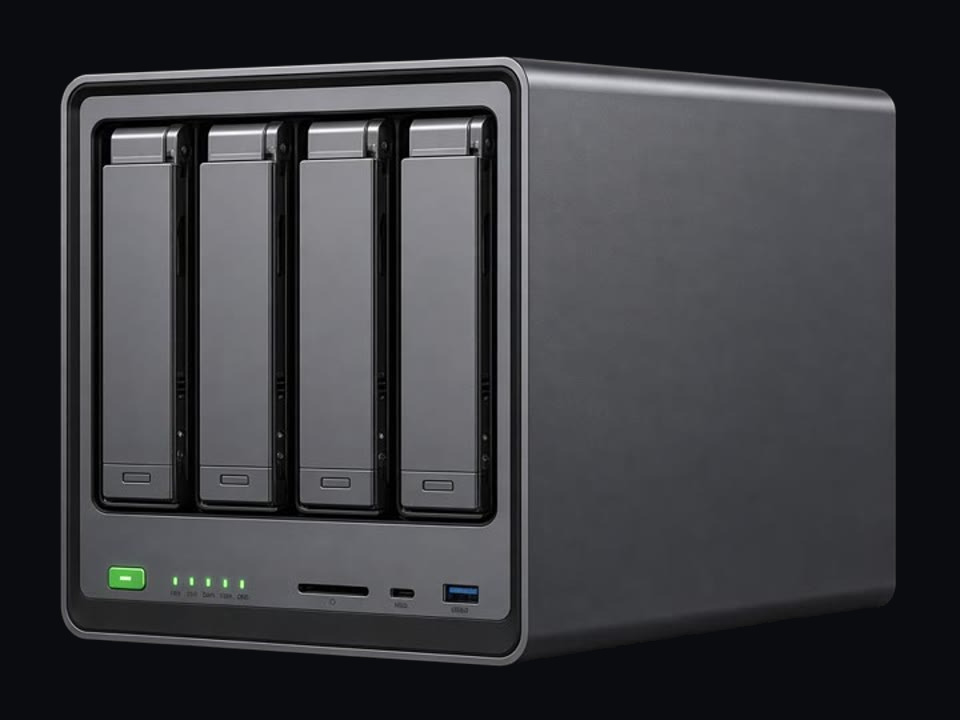
Four bays, kept simple. The same UGREEN software as the DH2300, with twice the memory and a 2.5GbE port.
Good for
- A bigger photo and video library, or backups for a whole family
- About three drives’ worth of protected space from four drives
- Docker apps (UGREEN says it runs Docker, but not virtual machines)
Think twice
- 8 GB of memory, fixed
- No virtual machines
- Bays
- 4
- Processor
- Rockchip 8-core · A76 + A55
- Memory
- 8 GB
- Network
- 1 ×
- Drives
- 4 ×
- Software
How it works
How much space do you need?
What a NAS won’t do
Then add drives
A NAS arrives empty. Buy drives made for NAS use: rated to run all day, and marked CMR. Price them before you choose a box: for a small NAS the drives can cost more than the box itself.
In a two-bay box the second drive mirrors the first, so you get the space of one. In a four-bay, one drive’s worth is kept back for protection and you get about three. A UPS is a battery that gives the box time to shut down safely in a power cut.
The WD Red Plus button opens one product page with a size picker. The other two open Amazon UK searches.
Questions people ask
- Can I see my photos when I’m away from home?
- Do I have to cancel iCloud or Google Photos?
- Two bays or four?
Not sure how much space you need? Size it from what you store. It takes about a minute.